EOS-学习笔记001-环境搭建
学习 EOS 的相关笔记,为了方便他人阅读,采用中文记录。
安装开发环境
先了解一下必须要知道的几个概念:
- nodeos (node + eos = nodeos) eos 节点,产生区块,提供 rpc 服务等
- cleos (cli + eos = cleos) 命令行接口
- keosd (key + eos = keosd) 负责 wallet 和 key 相关的操作
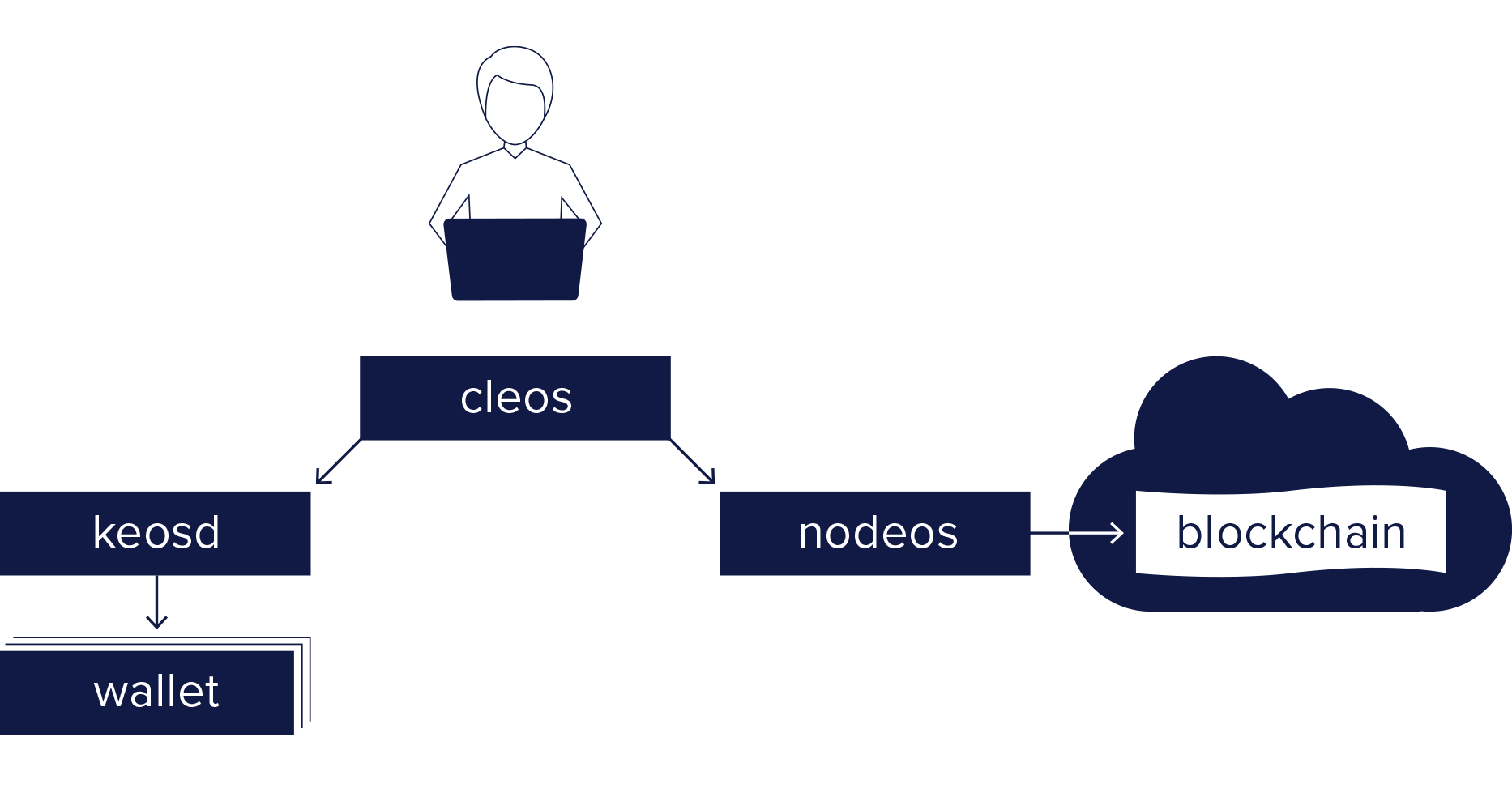
目前使用的相关版本,注意 eos 存在版本不兼容的问题,所以不一样的版本可能会有不同的结果
| Component | Version |
|---|---|
| nodeos | 1.5.0 |
| cleos | 1.5.0 |
| keosd | 1.5.0 |
| eosio.cdt | 1.4.1 |
| eosio.contracts | 1.4.0 |
System Requirements (all platforms)
7GB RAM free required
20GB Disk free required
ubuntu 18.04
- build eos
注意:可能因为网络原因,build 的时候导致无法下载依赖包,隔一段时间在执行几次,直到可以下载就可以了。
时间会有些长,成功后会看到相应的提示信息。
git clone https://github.com/EOSIO/eos --recursive |
- build CDT
git clone --recursive https://github.com/eosio/eosio.cdt |
安装完毕后,可以看到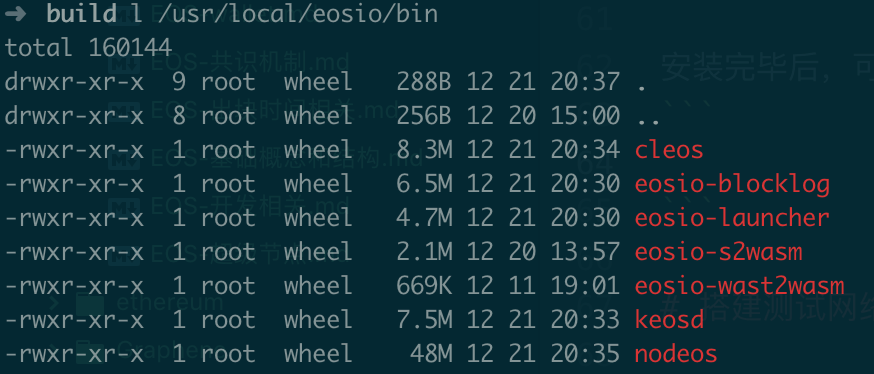
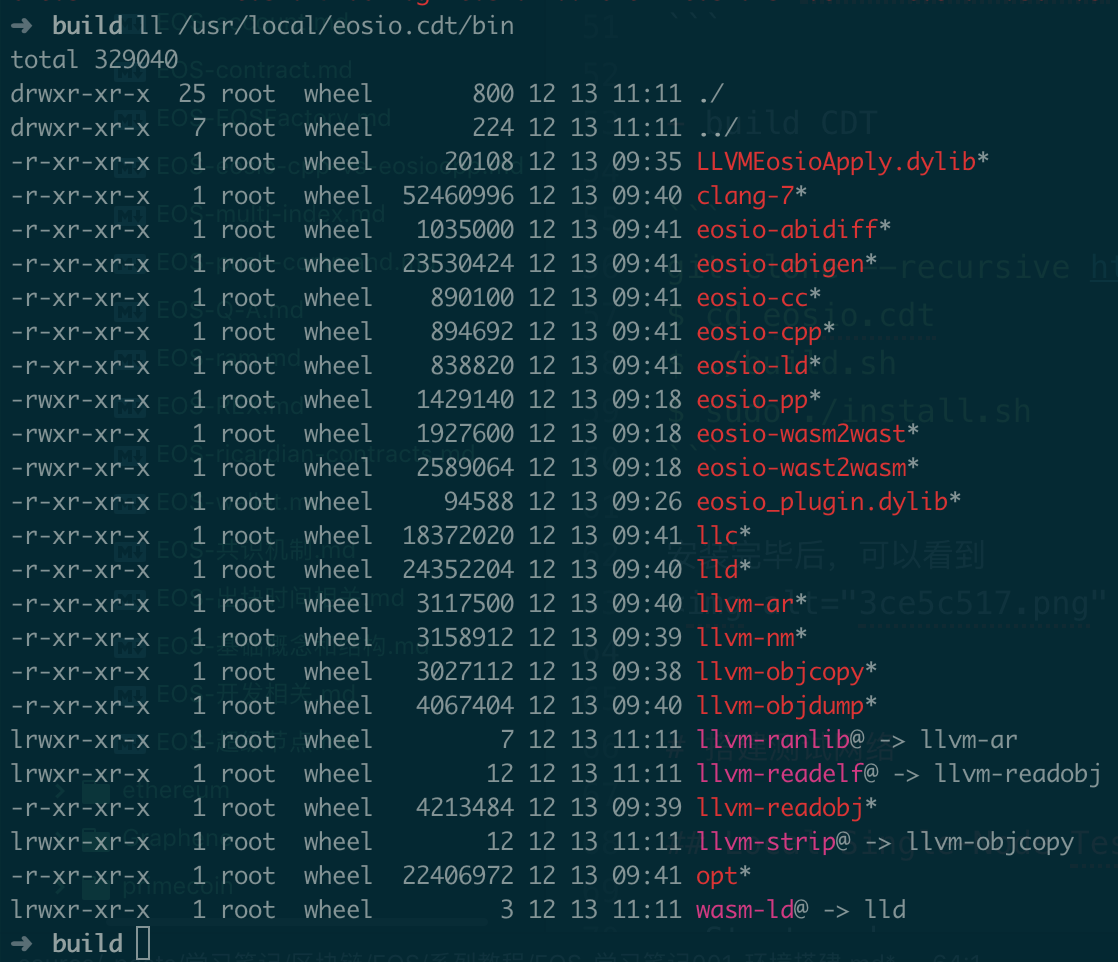
这里只关心:
nodeos:生产块
cleos:操作区块的命令行工具
eosio-cpp:智能合约的编译工具
搭建测试网络
Local Single-Node Testnet
- Start nodeos
切换到 /home/ubuntu/Documents/eosio 目录下面
下面放到 testnet.sh 里面启动,注意修改一下对应的 data 和 config 路径
nodeos -e -p eosio \ |
执行完后会在后台运行,通过查看日志来确认是否正常
tail -f ./nodeos.log |
- 获取信息
- u url node 节点的 ip 地址
cleos get info |
- stop nodeos
pkill nodeos |
Local Multi-Node Testnet
对于开发智能合约来说,这个有些浪费了。